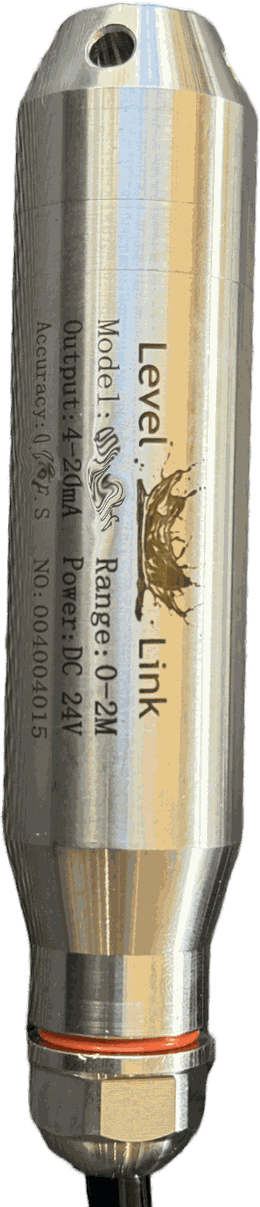
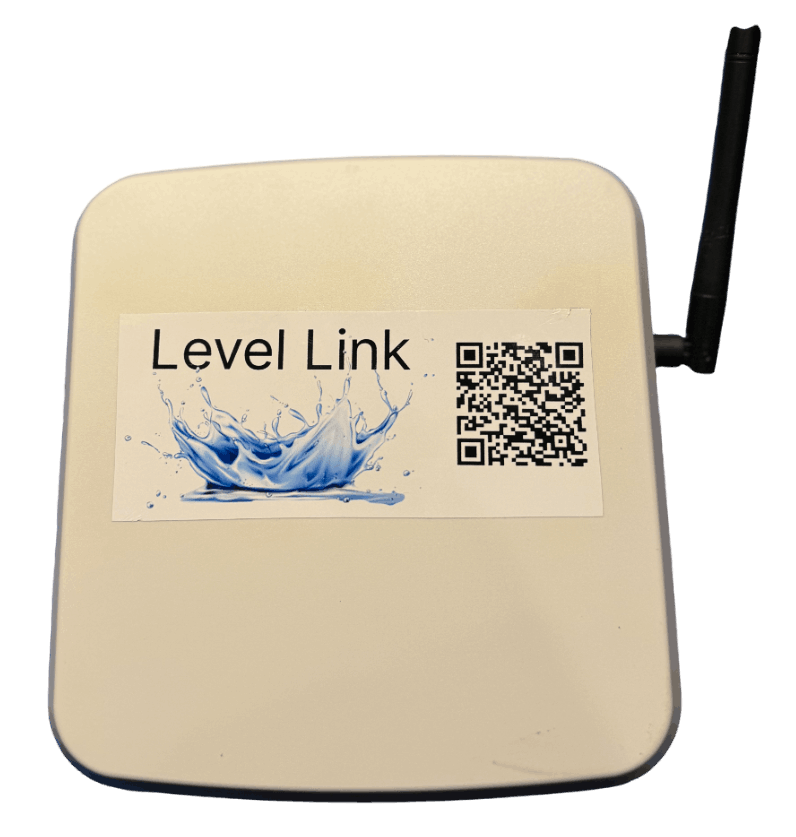
What do I need before installing?
Three things: mains power close to the tank, a WiFi
network reaching the site of the box, and access to the bottom of the
tank through a hole, port or access hatch. Plus an Apple device for now — the
Android app is not available yet.
How do I set up the app?
Download it from the Apple App Store, then use the ? help button inside
the app for guidance on each part of the setup. The
install guide walks through the whole thing including joining
the unit to your WiFi.
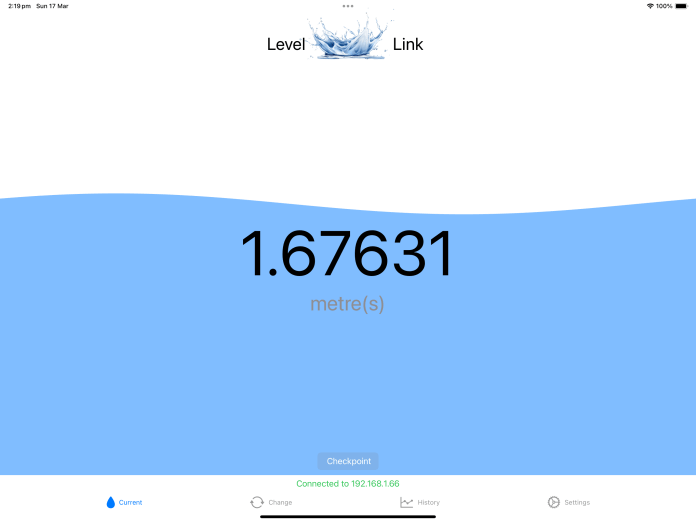
What are the app's features?
The app is the main way to review your tank. Several features need a subscription,
because they depend on the server-side analysis:
- Usage events from around 50 litres upward — showers and the like
- Gains reported too: water collection over 50 litres
- Alerts for abnormal usage within a four-hour period
- Daily summary of current level and overnight usage
- Server regression analysis of usage and predicted run-out, so water deliveries can be
timed with plenty of warning
- Remote monitoring of current levels offsite
- Remote monitoring of several LevelLink tanks at once
- Monitoring an elderly or remote family member's tank, so a top-up can be organised
before they are caught out
Why is there an app subscription?
Primarily cost. The analysis and alerting run on a server continuously — hourly, for
every tank — and that carries an ongoing cost in storage, bandwidth and processing that
grows with every user added. The aim for the hardware was to keep the purchase price as
low as possible, and the subscription is what makes that possible. Everything the device
itself does — measuring, displaying, alarming on a fault, reporting to the app — works
without a subscription and always will.